
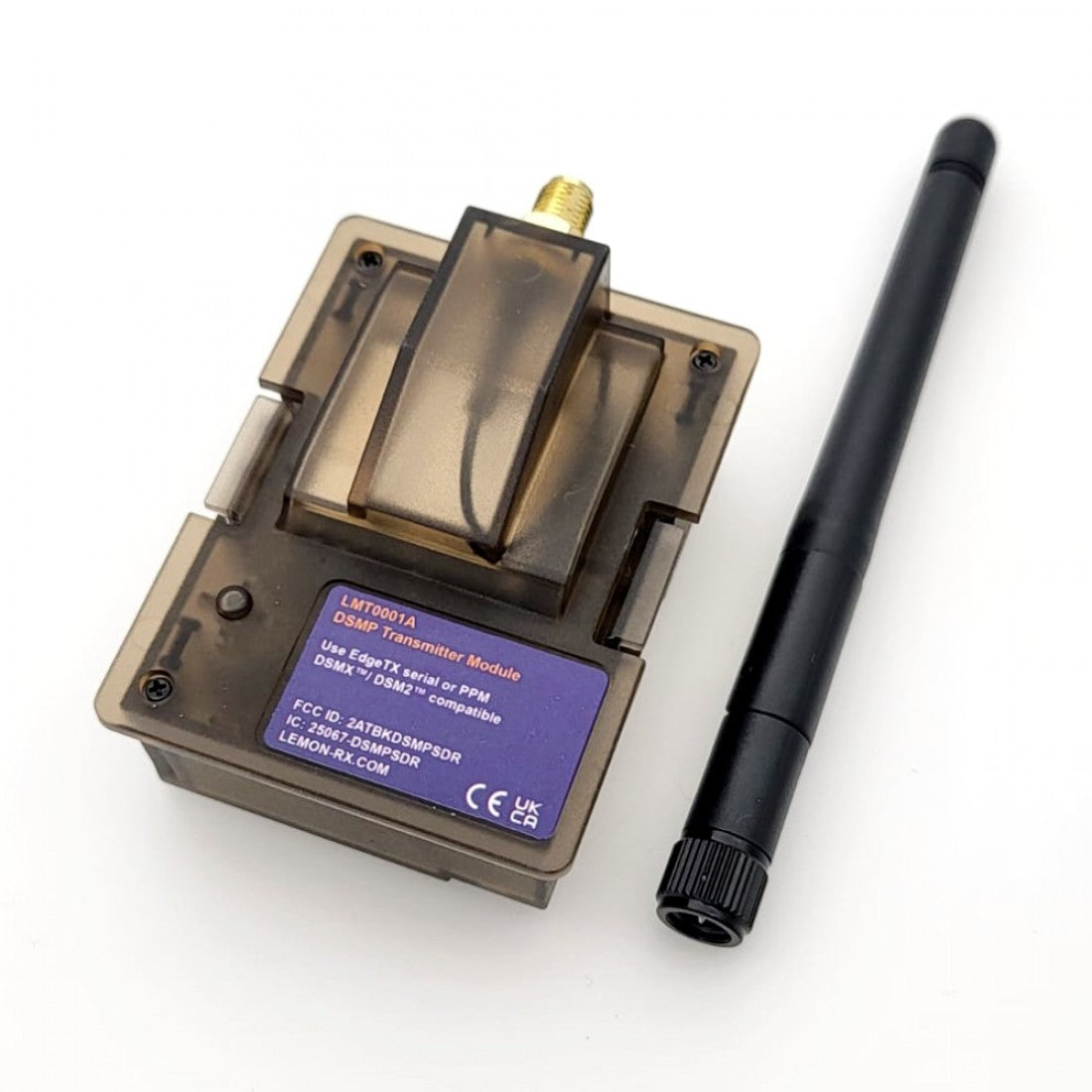

Description
The Lemon Rx DSMP Plug and Go transmitter module is designed specifically for any JR module bay capable transmitter that supports PPM or 9XR-DSM protocol. Example of these transmitters are RadioMaster TX16s, TX12, FrSky Taranis Q X7 and Turnigy 9x just to name a few. The revolutionary DSMP protocol based on software defined radio packet allows full compatibility to all Horizon Hobby's DSMX or DSM2 compatible receiver as well as the bind and ready to fly model aircraft without any channel rescaling configuration required except the first 4 channels' order (TAER or namely Throttle, Aileron, Elevator, Rudder) need to be mapped.

2) Enabling AETR is recommended, as it lets the system automatically remap channels from AETR to TAER — no manual mixer setup required.


- Make sure to use the latest EdgeTX firmware and DSM Tools.
- Select "External Module" under Model Setup. Set mode to “LemonRX DSMX”
- If the radio uses AETR channel order, set “Enable AETR” to remap channels to TAER for compatibility with Lemon and Spektrum receivers.
- Put receiver into bind mode. On the radio select “Bind” under External RF.
-Range check is available under External RF.-Range check is available under External RF.
- Select "External Module" under Model Setup. Set mode to “PPM”.
- Turn OFF radio. Put receiver into bind mode.
- Press and hold module Bind/Range Check button while turning ON radio.
- Hold button until module light turns green. Receiver light should be solid.
1) This is not a Spektrum DSMX or DSM2 product, nor is it a copy of a Spektrum DSM2 or DSMX product. The Spektrum, DSMX and DSM2 brand is a trademark of Horizon Hobby, Inc.
2) This is not an underground black market fake Spektrum product. Lemon Rx quality is guaranteed.
3) Lemon Rx products are tested to be compatible with Spektrum's DSMX and or DSM2 product (Spketrum, DSMX and DSM2 are the registered trademark of Horizon Hobby, Inc.).